
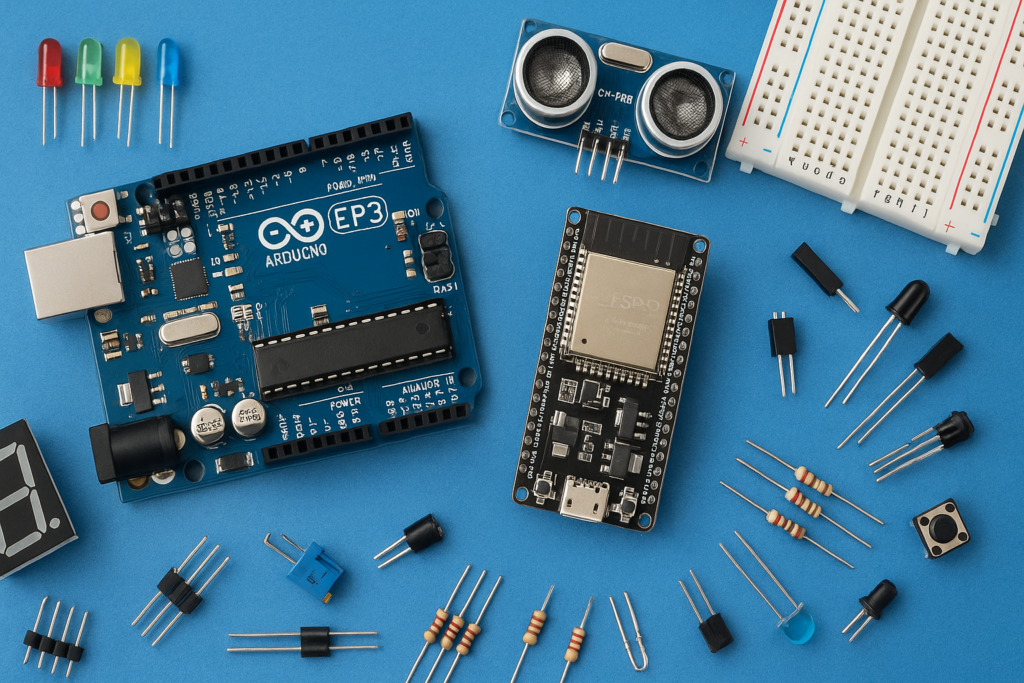
This project details how to build a multi-purpose gas and smoke detection system using an Arduino Uno board and an MQ-2 Gas Sensor Module. This sensor is sensitive to a wide range of combustible and hazardous gases, including smoke, methane, butane, and LPG (Liquefied Petroleum Gas), making it a valuable addition to home safety.
Components Required
- Arduino Uno Board: The microcontroller that reads the sensor data and controls the alarm outputs.
- MQ-2 Gas/Smoke Detector Sensor Module: This sensor contains an element whose resistance changes when it comes into contact with gas or smoke particles. The module provides both a digital and an analog output signal based on gas concentration.
- LED (Light Emitting Diode): A visual indicator for the alarm.
- Buzzer: An audible indicator for the alarm.

Wiring the Components
The system is wired to allow the Arduino to both read the sensor’s analog data and drive the alarm outputs:
| Component Pin | Arduino Pin |
| MQ-2 Sensor A0 (Analog Out) | Analog Pin A0 |
| MQ-2 Sensor VCC | 5V Supply Pin |
| MQ-2 Sensor GND | GND Pin |
| LED Positive Terminal | Digital Pin D12 |
| LED Negative Terminal | GND Pin |
| Buzzer Positive Terminal | Digital Pin D13 |
| Buzzer Negative Terminal | GND Pin |
The result is a reliable safety device that uses an analog sensor and digital logic to warn users of potentially dangerous air conditions.
How It Works
This simple project helps you keep your home safe by alerting you when it senses dangerous smoke or gas. You need a few basic parts: an Arduino board, a smoke detector sensor (like MQ-2), an LED, and a buzzer.
- The MQ-2 sensor is like a sensitive nose that can “smell” harmful gas or smoke in the air. It sends signals to the Arduino whenever it detects anything suspicious.
- The Arduino works as the brain of the system. It checks the sensor’s readings and decides if there is danger.
- If smoke or gas goes above a safe level, the Arduino turns ON the LED and the buzzer. The LED lights up to show you something’s wrong, and the buzzer makes a sound to alert you.
- When the air is clean and safe, both the LED and buzzer stay OFF, so you know everything is fine.
This system is compact and easy to build, using very common parts. It doesn’t need special knowledge—just plug the components as shown, upload the code, and your personal air safety alarm is ready. You can adjust the sensitivity by changing a number in the code to match your needs (for example, if your kitchen is always smoky, make it less sensitive).
Code
// BlueDot Electronics
const int mq2Pin = A0;          // MQ-2 Sensor Analog Output to A0
const int ledPin = 12;          // LED Positive Terminal to D12
const int buzzerPin = 13;       // Buzzer Positive Terminal to D13

void setup() {
  pinMode(ledPin, OUTPUT);      // Set LED pin as output
  pinMode(buzzerPin, OUTPUT);   // Set buzzer pin as output
  Serial.begin(9600);           // For testing/output
}

void loop() {
  int sensorValue = analogRead(mq2Pin); // Read MQ-2 sensor value

  Serial.println(sensorValue);          // Print for testing

  int threshold = 400;                  // Change this value for your needs

  if (sensorValue > threshold) {
    digitalWrite(ledPin, HIGH);         // Danger: Turn ON LED
    digitalWrite(buzzerPin, HIGH);      // Sound the buzzer
  } else {
    digitalWrite(ledPin, LOW);          // Safe: Turn OFF LED
    digitalWrite(buzzerPin, LOW);       // Buzzer OFF
  }

  delay(500);                           // Wait before next check
}
Watch the full video tutorial here: How to make a Smoke detector using arduino at home | smoke, methane, butane, & LPG detector at Home