
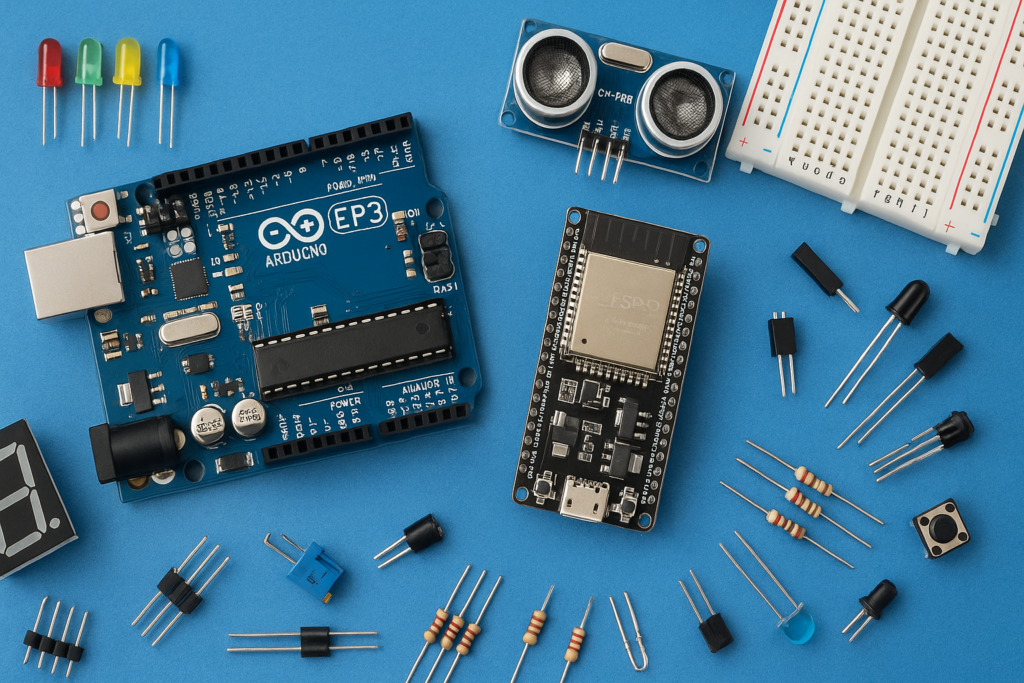
Make your air conditioner turn on automatically when your room gets too hot? In this project, we’ll build a simple Automatic AC Controller using an Arduino Uno, a DS18B20 temperature sensor, and an IR LED.
The Arduino continuously monitors the room temperature. When the temperature rises above a limit (set by you in the code), it automatically sends the AC’s power command using an infrared signal, just like your remote control. This project is beginner-friendly and a great introduction to home automation.
Components Required
- Arduino Uno ➤ https://amzn.to/4dBgpHp
- DS18B20 Temperature Sensor ➤ https://amzn.to/4vtFoTc
- 4-Digit TM1637 Display Module ➤ https://amzn.to/3QFshPG
- IR Receiver ➤ https://amzn.to/4b93lah
- IR Transmitter ➤ https://amzn.to/43VAPFe
- TM1637 4-digit 7-segment display ➤ https://amzn.to/3QFshPG
- Jumper Wires ➤ https://amzn.to/430CfOo
- Breadboard ➤ https://amzn.to/4ev90K0
- USB Cable
Code1:
#include <IRremote.hpp>

#define IR_RECEIVE_PIN 2

void setup() {
  Serial.begin(115200);
  IrReceiver.begin(IR_RECEIVE_PIN, ENABLE_LED_FEEDBACK);

  Serial.println("Ready to capture AC remote...");
}

void loop() {
  if (IrReceiver.decode()) {

    Serial.println();
    IrReceiver.printIRResultShort(&Serial);

    Serial.println();
    IrReceiver.printIRSendUsage(&Serial);

    Serial.println();
    Serial.println("Raw Timing Data:");

    IrReceiver.compensateAndPrintIRResultAsCArray(&Serial, true);

    Serial.println("\n--------------------------");

    IrReceiver.resume();
  }
}
Code 2:
#include <IRremote.hpp>
#include <OneWire.h>
#include <DallasTemperature.h>
#include <TM1637Display.h>

// Pin Definitions
#define IR_SEND_PIN     4
#define ONE_WIRE_BUS    2   // DS18B20 data pin
#define TM1637_CLK      5   // TM1637 CLK pin
#define TM1637_DIO      6   // TM1637 DIO pin

// Temperature threshold set YOUR TEMPARATURE
#define TEMP_THRESHOLD  29.0

// How often to check temperature (milliseconds)
#define CHECK_INTERVAL  5000

OneWire oneWire(ONE_WIRE_BUS);
DallasTemperature sensors(&oneWire);
TM1637Display display(TM1637_CLK, TM1637_DIO);

bool acIsOn = false;
unsigned long lastCheckTime = 0;

void sendACOn() {
  uint64_t tRawData[] = {
    0x6008A7836,
    0x5800000082800
  };

  IrSender.sendPulseDistanceWidthFromArray(
    38,
    950,
    650,
    1000,
    2600,
    1000,
    600,
    tRawData,
    119,
    PROTOCOL_IS_LSB_FIRST,
    0,
    0
  );
}

void setup() {
  Serial.begin(115200);

  IrSender.begin(IR_SEND_PIN);
  sensors.begin();

  display.setBrightness(7);  // Max brightness
  display.clear();

  Serial.println("System started. Monitoring temperature...");
}

void loop() {
  unsigned long currentTime = millis();

  if (currentTime - lastCheckTime >= CHECK_INTERVAL) {
    lastCheckTime = currentTime;

    sensors.requestTemperatures();
    float tempC = sensors.getTempCByIndex(0);

    if (tempC == DEVICE_DISCONNECTED_C) {
      Serial.println("ERROR: Temperature sensor not found!");
      display.clear();
      return;
    }

    // Display temperature in format 29:35
    int tempWhole = (int)tempC;                          // e.g., 29
    int tempDecimal = (int)((tempC - tempWhole) * 100);  // e.g., 35
    int tempDisplay = (tempWhole * 100) + tempDecimal;   // e.g., 2935
    display.showNumberDecEx(tempDisplay, 0b01000000, true, 4, 0); // shows 29:35

    Serial.print("Temperature: ");
    Serial.print(tempWhole);
    Serial.print(".");
    Serial.print(tempDecimal);
    Serial.println(" °C");

    // AC ON logic
    if (tempC >= TEMP_THRESHOLD && !acIsOn) {
      Serial.println("Temp >= 29°C → Turning AC ON");
      sendACOn();
      acIsOn = true;
    } else if (tempC < TEMP_THRESHOLD && acIsOn) {
      Serial.println("Temp < 30°C → Waiting for AC OFF command");
    } else {
      Serial.println(acIsOn ? "AC is already ON" : "AC is OFF, temp below threshold");
    }
  }
}
Circuit Connections
IR Receiver
| IR Transmitter Pin | Arduino Uno |
|---|---|
| OUT | Digital Pin 2 |
| GND | GND |
| Vcc | 5v |
IR Transmitter
| IR Transmitter Pin | Arduino Uno |
|---|---|
| S | Digital Pin 4 |
| GND | GND |
| Vcc | 5v |
DS18B20 Temperature Sensor
| DS18B20 Pin | Arduino Uno |
|---|---|
| VCC | 5V |
| GND | GND |
| S | Digital Pin 2 |
Connect a 4.7kΩ resistor between the DATA and VCC pins.
TM1637 Display Module
| TM1637 Pin | Arduino Uno |
|---|---|
| VCC | 3.3V |
| GND | GND |
| CLK | Digital Pin 5 |
| DIO | Digital Pin 6 |
Applications
This project can be used in:
- Smart home systems
- Server rooms
- Small offices
- Electronics laboratories
- Temperature-controlled environments
It can also be expanded to control fans, exhaust systems, or other appliances based on temperature conditions.