
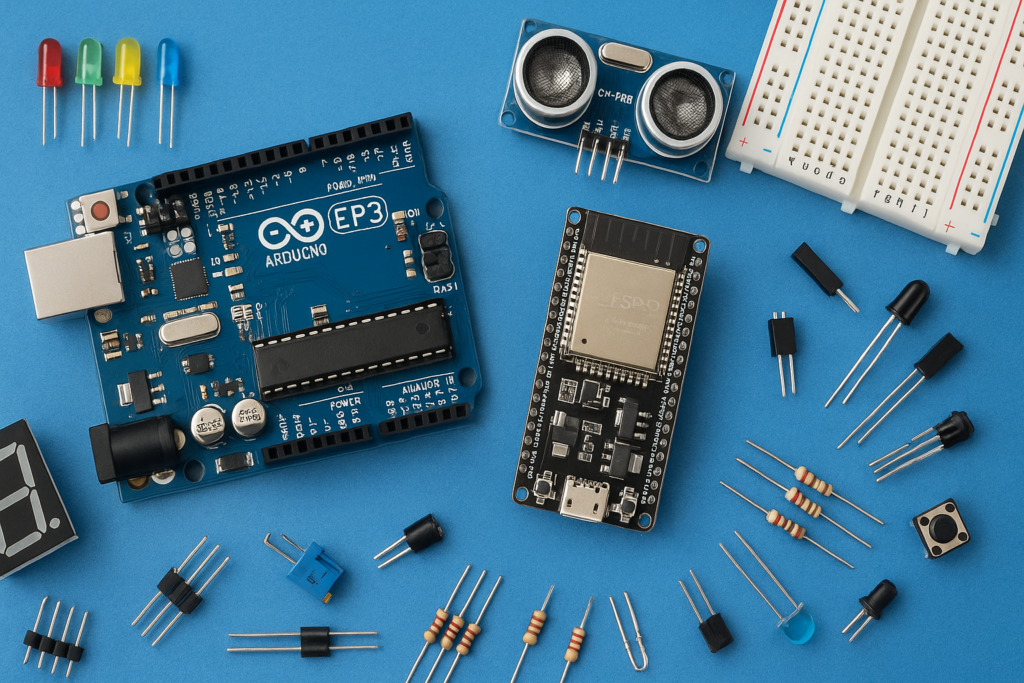
In this beginner-friendly Arduino project, we will build an Automatic Night Lamp using an LDR Sensor and Arduino UNO. The LED automatically turns ON when the surroundings become dark and turns OFF when light is detected.
This project is simple, affordable, and perfect for beginners who want to learn about sensors, automation, and Arduino programming.
Automatic lighting systems are widely used in:
- Street lights
- Garden lights
- Smart homes
- Emergency lighting systems
If you are just starting with Arduino, this project is a great way to understand how sensors interact with microcontrollers.
What is an LDR Sensor?
LDR stands for Light Dependent Resistor.
An LDR changes its resistance based on the amount of light falling on it.
- In bright light → Resistance decreases
- In darkness → Resistance increases
Arduino reads these changes and controls the LED accordingly.
Components Required
| Component | Quantity |
|---|---|
| Arduino UNO ➤ https://amzn.to/4dBgpHp | 1 |
| LDR Sensor ➤ https://amzn.to/431y6cT | 1 |
| LED ➤ https://amzn.to/4tYOLc4 | 1 |
| 220Ω Resistor ➤ https://amzn.to/4u3aCiH | 1 |
| Jumper Wires ➤ https://amzn.to/430CfOo | 3 (Male to Female) |
| USB Cable | 1 (to upload the code to arduino from computer/laptop) |
Working Principle
The LDR continuously senses the surrounding light intensity.
- When the room is bright, the Arduino keeps the LED OFF.
- When darkness is detected, the Arduino automatically turns the LED ON.
This creates a simple automatic night lamp system.
Circuit Connections
LDR Connections
| LDR Pin | Arduino Connection |
|---|---|
| Vcc (Middle pin) | 5V |
| S pin | A0 |
| GND (-) | GND |
LED Connections
| LED Pin | Arduino Connection |
|---|---|
| Positive (+) (Long leg) | Pin 8 through 220Ω resistor |
| Negative (-) (Short leg) | GND |
Arduino Code
// Automatic Street Light Using LDR

int ldrPin = A0;     // LDR connected to A0
int ledPin = 8;      // LED connected to D8

int ldrValue = 0;

void setup() {
  pinMode(ledPin, OUTPUT);
  Serial.begin(9600);
}

void loop() {

  // Read LDR value
  ldrValue = analogRead(ldrPin);

  // Print value in Serial Monitor
  Serial.println(ldrValue);

  // If dark, turn ON LED
  if (ldrValue < 26)
//adjust this value according to your room light
{
    digitalWrite(ledPin, LOW);
  }
  else {
    digitalWrite(ledPin, HIGH);
  }

  delay(100);
}
Applications of Automatic Night Lamp
This project can be used in many real-world applications:
- Automatic street lights
- Bedroom night lamps
- Smart home automation
- Energy-saving systems
- Emergency backup lighting
- Outdoor lighting systems
Troubleshooting Tips
LED not turning ON?
- Check LED polarity
- Verify wiring connections
- Upload code properly